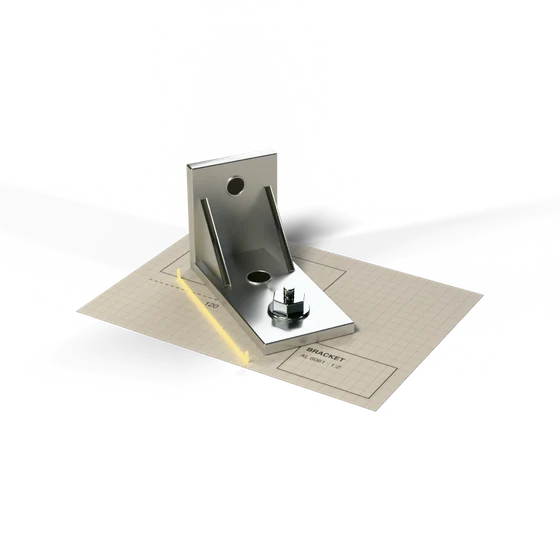
AutoCAD via Claude
MCP server · live
Claude reads and edits drawings right in AutoCAD on your computer. You describe the task in a chat, including from an iPad.
Process
How it works
Link
The form on cad.burbey.ru gives you a personal link right away.
Setup
On the computer with AutoCAD: Win + R and one command.
Task in a chat
Claude on claude.ai or on an iPad gets access to the drawing.
Edits you can undo
Changes go into a working copy and are checked.
Capabilities
What it does
A drawing you’ve been sent
A summary of sheets, layers and title blocks, a standards check, areas and volumes for Excel.
Comparing versions
What was added and changed, with revision clouds right on the drawing.
Edits in words
Dimensions, marks, title-block text; Claude re-reads and checks every edit.
Drafting from scratch
A sheet from a template, outlines, hatching, dimensions, a frame and your title block.
Your commands
AutoLISP commands from your list.
Output
PDFs of the sheets and a drawing cleanup before sending.
Edits
Safety
- Working copyEdits go into a working copy; the original stays in a backup folder.
- UndoAny edit can be rolled back.
- ConfirmationDeletions and bulk edits happen only after you confirm.
Right now
Status
Live
AutoCAD 2018 and 2021–2026 on Windows, full version (not LT). A 14-day link is issued right away on cad.burbey.ru.
Open cad.burbey.ru